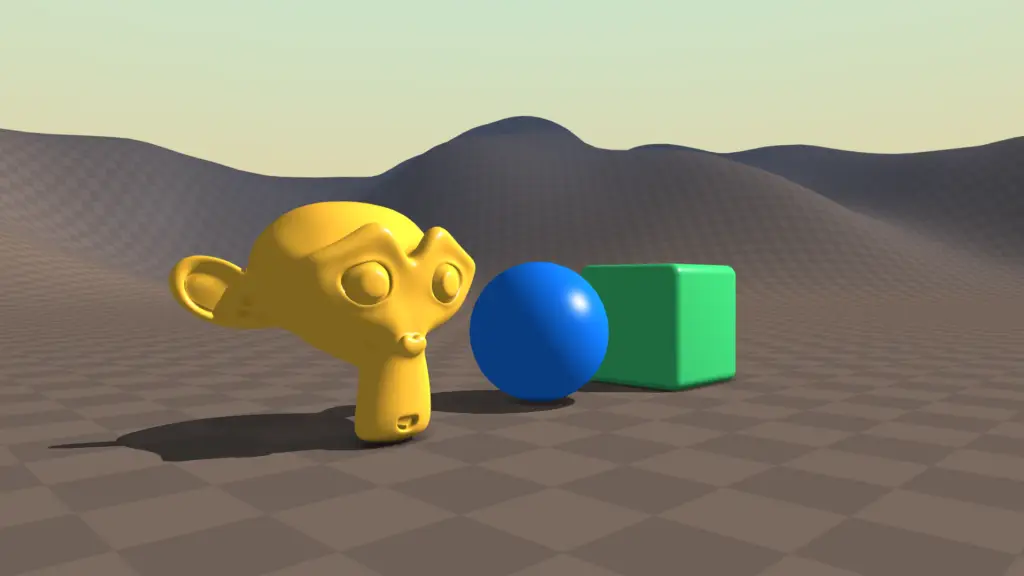
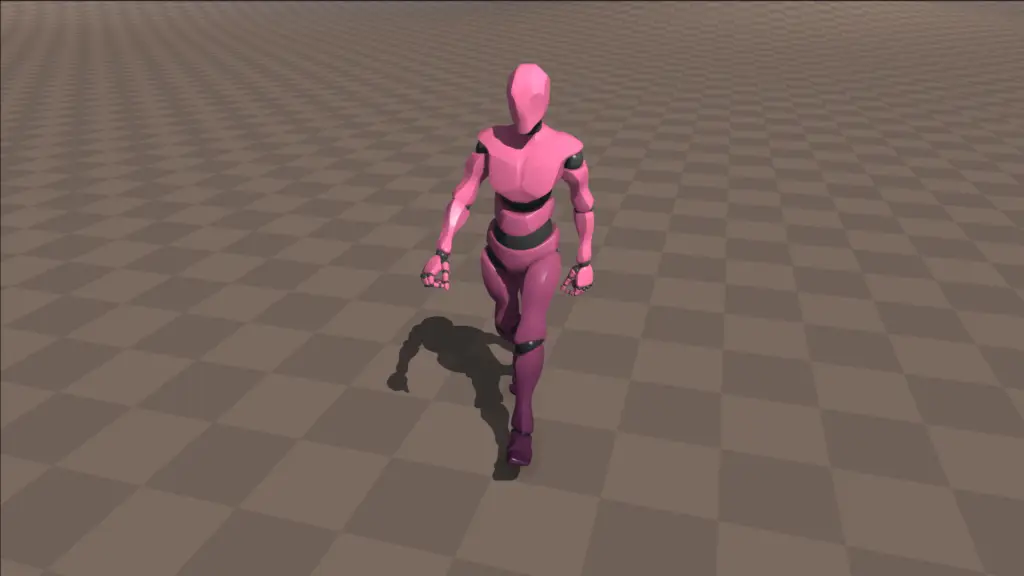
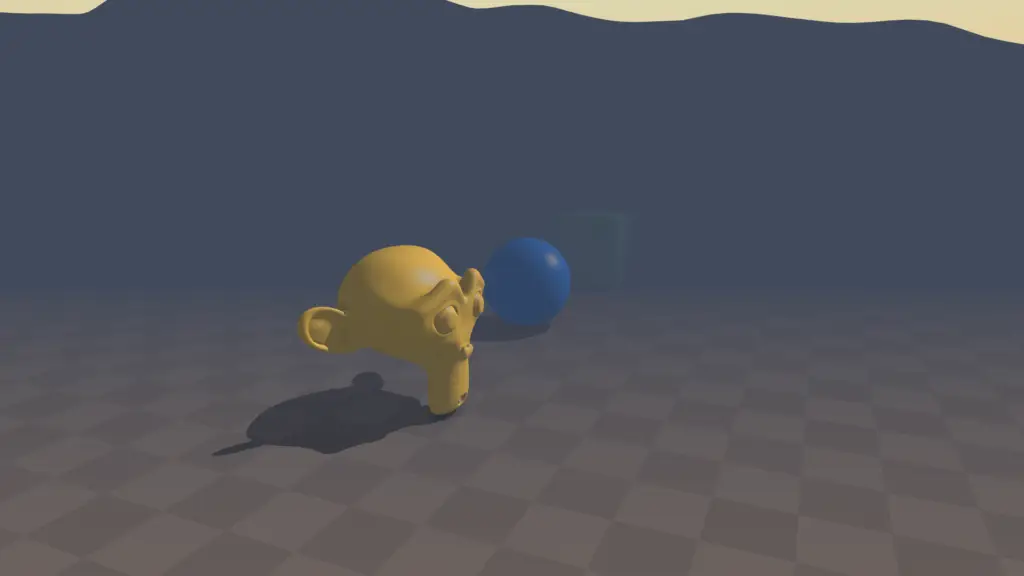
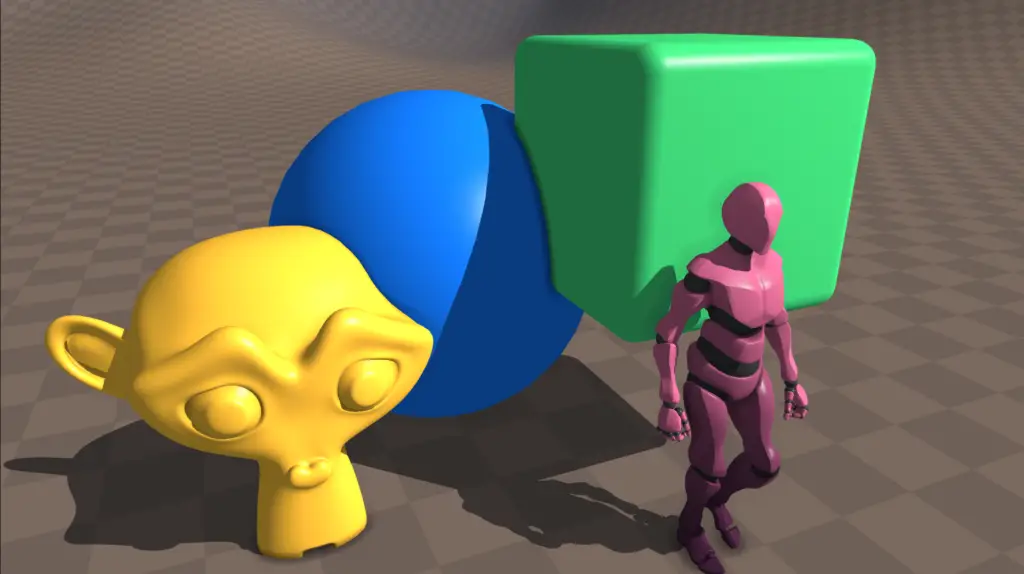
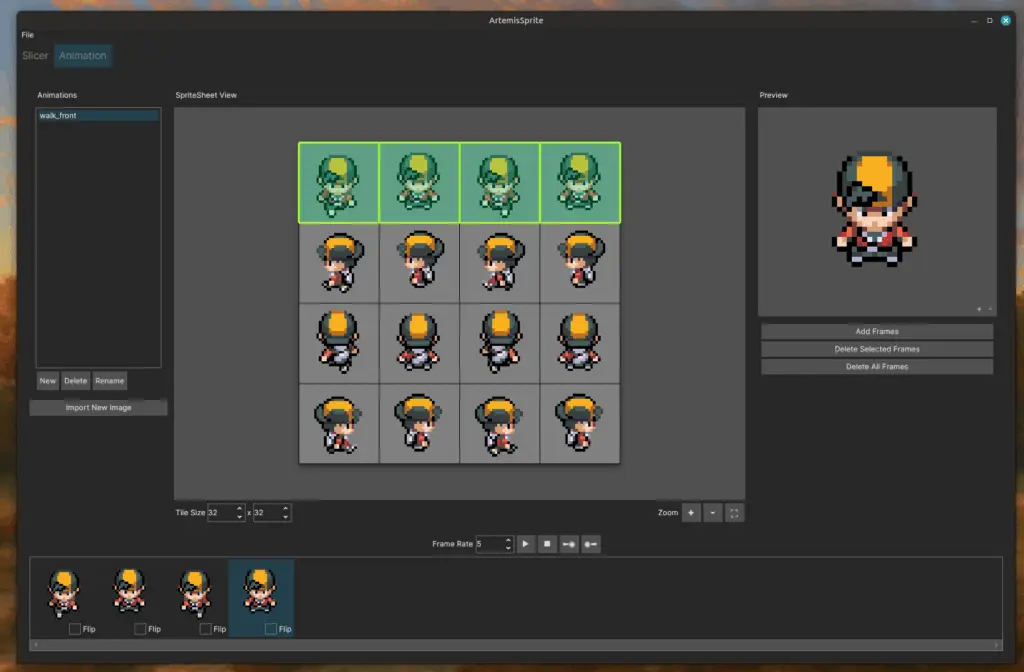
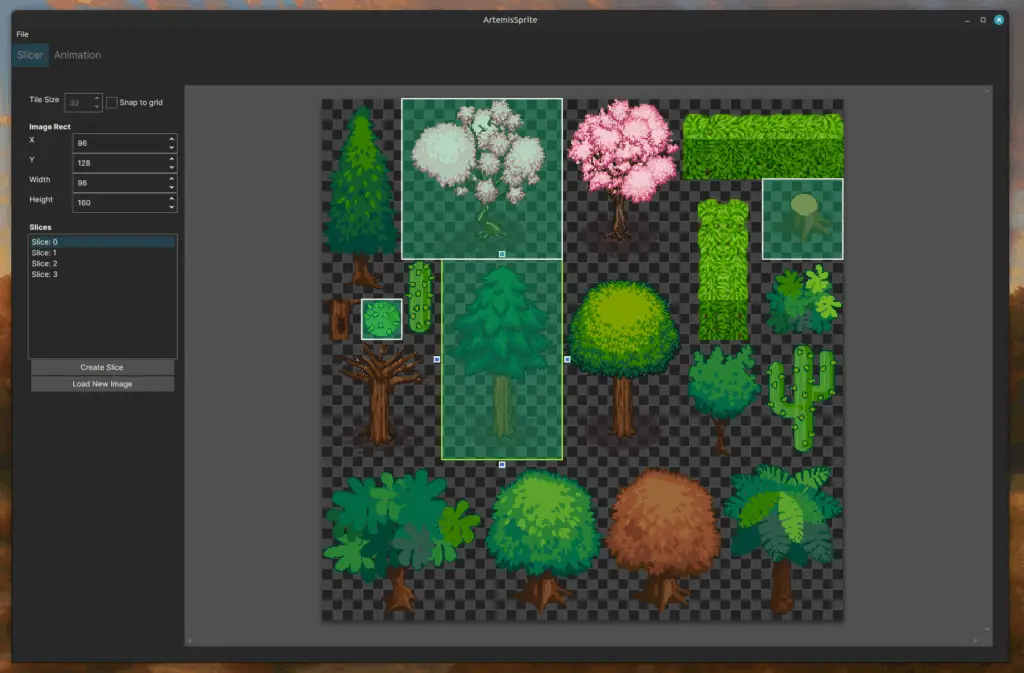
Custom Engine Windows/linux - OpenGL Renderer (Blinn-Phong & Lambert Shading) Static Mesh Skinned Mesh Shadow Maps Linear Fog Screen Space Ambient Occlusion Particle Batch Renderer procedural Sky Renderer Animation blending Other Features Overlap Queries (Credit to “Real Time Collision Detection” by Christer Ericson)Grid Based Terrain Collision DetectionFrustum Culling with Bounding Sphere and Bounding BoxJolt Physics IntegrationInstanced RenderingText Batch RendererWireframe Mesh Renderer for debugging Texture Importer (png)Static Mesh Importer (gltf)Skinned Animated Mesh Importer (gltf)Audio Importer (wav)Custom Binary Formats for Textures and MeshesCustom json and binary for level, entity and collision shapes Custom Tools Windows/linux Desktop Applications (.Net C#) Sprite Animation Editor Import sprite sheets and create animationsExport to json to be easily parsed from any off-the shelf or custom engineClick or Drag to Pick frames from sheetMove individual frames inside the timelineFlip individual spritesCustomizable tile size and frame rates to test animation Sprite Slicer Create individual slices of arbitrary sizes Export to json do be easily parsed from any off-the-shelf or custom engineUse grid for easy edit of slices Batch Photo (Texture) Resizer Batch resize Images (Textures) on the fly with one clickImages can be exported to JPEG or PNG formatsImages can be exported on the most common power of two sizesIdeal Tool for designers porting a game and having to compress all textures in a game project. Flip Book (Sprite Sheet) Generator Generate Flip Book Texture from Image SequencesControl Frame SizeControl Columns & RowsSaves PNG files with alpha channelIdeal Tool for Real Time VFX Artists to use in particle systems.It can also be used for sprite animations coming out of software without sprite-sheet export capabilities. Unity Custom Tools Item Creator Generate Items (Scriptable Objects) through a more intuitive and comfortable Custom Editor Window.Visualize, Select and Edit already existing Items that live in the project’s assets folder.Use the search bar to quickly find items from the list and select them.Visualize the Image Sprite preview to more intuitively implement Item Icons. Terrain Bridge Generator Generate Bridge-Like TerrainControl the length of the bridge creating new sectionsSculpt the Bridge moving the sectionsControl total Width and Height of the BridgeControl Corners Thickness to make sharper or rounder edgesIt can be easily adapted to build Rivers or RoadsTriplanar Shading Grid terrain Editor Paint Simple Maps on GridGrid Cell size can be adjusted for more or less detailGenerate a Terrain Mesh with a Mesh collider attachedGenerate a Heightmap Texture that is stored in the drive so it can be used outside the engine as wellPerfect tool for level designer working on small contained 3D worlds. Shaders Unity - HLSL Stylized Terrain Shader Compatible with Unity built-in terrain painting tools.Edge sharpness and noise options for texture blendingTriplanar mappingIndependent texture slot for “walls”“Top” texture based on Unity’s terrain painting layers Stylized Sky Shader Features:Custom noise texture slot for cloudsClouds edge and centre colour controlsSky gradient with Zenith, Horizon and Nadir controlSun with custom colour and compatible with main directional light in the scene for positioning Stylized Water Shader Features:Ripples with colour, scale and speed controlsFoam with colour, offset, noise scale and speed controls Depth GradientWaves with speed, scale and height controlsRefraction Stylized Waterfall Shader Features:Triplanar mapping Ripples with scale and speed controlSeparate controls for “top” and “side” texturesCorner foam with scale and smoothness controls Maya (Python) Chain generator Create chains of objects with one click.Objects are automatically grouped in the hierarchy for easy editing (like bones).Any initial object can be used as a chain link.The chain length can be easily customized. Stairs Generator Generates a staircase automaticallyCustomizable amount of steps and the size of each one of themAll steps are grouped but not combined to have more flexibility for further edits Simple Material Generator Generate simple colour Lambert materials for quick visualization of colour contrast and palettes when modelling.Options to modify Roughness and Reflectiveness for fast differentiation of common surfaces when modelling for example Environments or Characters.The material can be applied to all selected objects at the same time when created, a feature that also saves a lot of time. Asset Verifier Checks for:Face AmountVertex AmountIf history has been deletedIf Object is in the centre of the worldIf Object is named correctlyAll parameters are customizable to suit the production needs.